
Main /
Backing Up Key User Files to a USB Flash Drive
The Back Up to USB program copies your own Rose Engine Butler files onto a USB flash drive plugged into the Raspberry Pi. Each backup goes into its own dated folder, so earlier backups on the stick are never overwritten.
What Gets Copied
| What | Copied from | Folder on the stick |
| Your settings, and any settings files you have exported | Every .ini file in your Documents folder | Documents |
| Your Gcode programs | The Rose Engine Butler gcode folder, including any folders inside it | gcode |
| Your own HAL additions and your tool table | REB_Custom.hal and REB_Tool.tbl | REB_Custom |
| Your subroutines and user M-codes | /home/reuben/linuxcnc/nc_files (the LinuxCNC sample programs linked there are skipped) | nc_files |
Hidden files (names starting with a period) are not copied.
Backing up the Rose Engine Butler Settings files
To backup these files from Rose Engine Butler, there are 3 options.
|
|
Option 1: Use the icon on the desktop
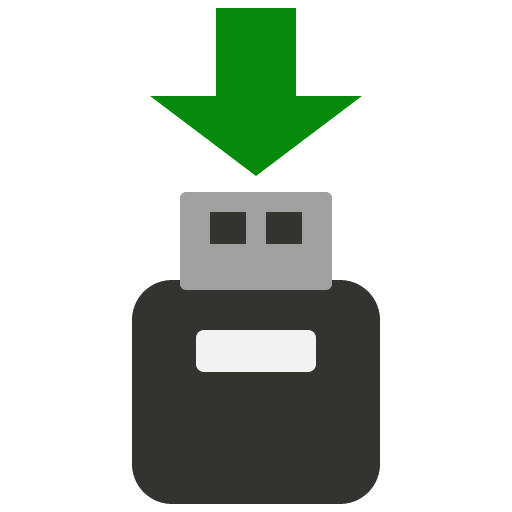
Double-click on the Backup Rose Engine Butler icon on the desktop.
|
|
Option 2: Use the Applications menu
- Click on Applications at the top left corner of the screen
- Click on the arrow to the right of Rose Engine Butler
- Click on Backup Rose Engine Butler
| Applications | |
 Rose Engine Butler > Rose Engine Butler >
| Rose Engine Butler
|
 Rose Engine Butler Settings Rose Engine Butler Settings
| |
| Backup Rose Engine Butler
| |
 Update Rose Engine Butler Update Rose Engine Butler
| |
|
|
Option 3: Run the command directly
Run this command from a terminal window:
|
bash /home/reuben/linuxcnc/configs/RoseEngineButler/REB_Backup.sh |
| spacer line |
|
eMail comments to |